
PA line · control
Paging system & zone control
Desktop paging consoles, remote paging stations, zone selectors and timed message players for schools, hospitals, stations and commercial buildings.
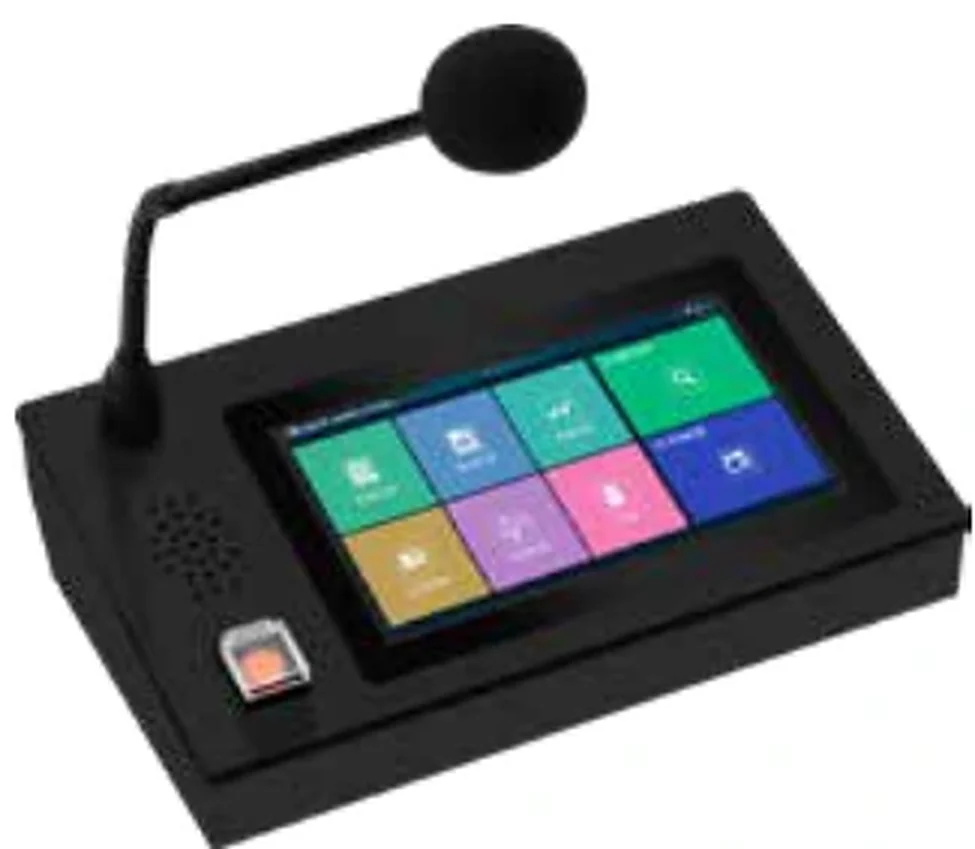
Representative image. Final finish and configuration are confirmed with the quotation.
Key values: 4–64 · Desktop / IP · All-call · Pre-recorded
Overview
Call the right zone, not the whole building.
Paging is a workflow problem. The receptionist needs to call one wing; the security desk needs all-call; the head teacher needs the playground and the corridors but not the exam hall. A paging system that only offers “all call” will be bypassed within a week.
The design starts with a zone schedule: which physical areas are separate, which are grouped, who is allowed to call them and what happens when the fire alarm is active. The console, the keypad and the software follow that schedule. The audio path is then sized for the number of simultaneous paging points and the priority rules.
For multi-building sites, IP paging consoles can sit on the network while the loudspeaker circuits stay local. For smaller buildings, a desktop console with a zone selector and a local mixer amplifier is simpler and easier to maintain.
Manufacturing & system package
Manufactured in our own factory. Available as a standalone family, or combined with PA, conference, AV and ballroom families into one complete system package and one combined proposal. ODM and OEM programmes available.
Zone schedule before hardware
Areas are grouped by use and by fire compartment. The keypad layout follows the building, not the amplifier channel count.
Priority and privacy
Paging can be restricted by console, time window and zone. Privacy is a design decision, especially in hospitals and hotels.
Pre-recorded messages
Bell schedules, evacuation messages and repeated announcements can be stored and triggered without a live microphone.
Remote and mobile paging
Network consoles, SIP handsets or a software console can extend paging to security rooms and mobile staff.
Reference specification
What are the reference specifications and selection rules?
The table is a design reference, not a model datasheet. The quoted model carries the final ratings.
| Item | Reference value or guidance |
|---|---|
| Zones | 4–64 |
| Console types | Desktop / IP |
| Group override | All-call |
| Messages | Pre-recorded |
| Console types | Desktop, rack, IP touchscreen, software |
| Zone selection | Individual, group, all-call |
| Priority | Fire > emergency paging > normal paging > BGM |
| Messages | Pre-recorded, timed, repeated |
| Interfaces | Hard-wired, IP network, SIP (optional) |
| Logging | Call log and zone activity (where specified) |
| School reception | A desktop console with a clear zone map and a bell schedule. Lock out the exam hall and the auditorium during exams; allow the sports field and corridors. |
| Hospital nurse station | A console per ward or a software console with restricted zones. Keep the paging path separate from the clinical call system, and agree the priority with the hospital. |
| Factory gatehouse | A weatherproof remote station with all-call and a few working zones. The message has to be intelligible over machinery noise, so the loudspeaker design matters as much as the console. |
| Transport terminal | A rack console with pre-recorded messages, platform groups and a live microphone. The operator interface should be usable under time pressure. |
| Multi-building campus | IP consoles with a central zone schedule. Each building keeps a local amplifier and a local all-call button in case the network fails. |
Model range
Representative models with photos
Only models with an available product photo are listed. The full range, model-level datasheets and certificate scope are supplied with the quotation. Brand names are not used on this site.
Request the full model list| Photo | Model | Type | Note |
|---|---|---|---|
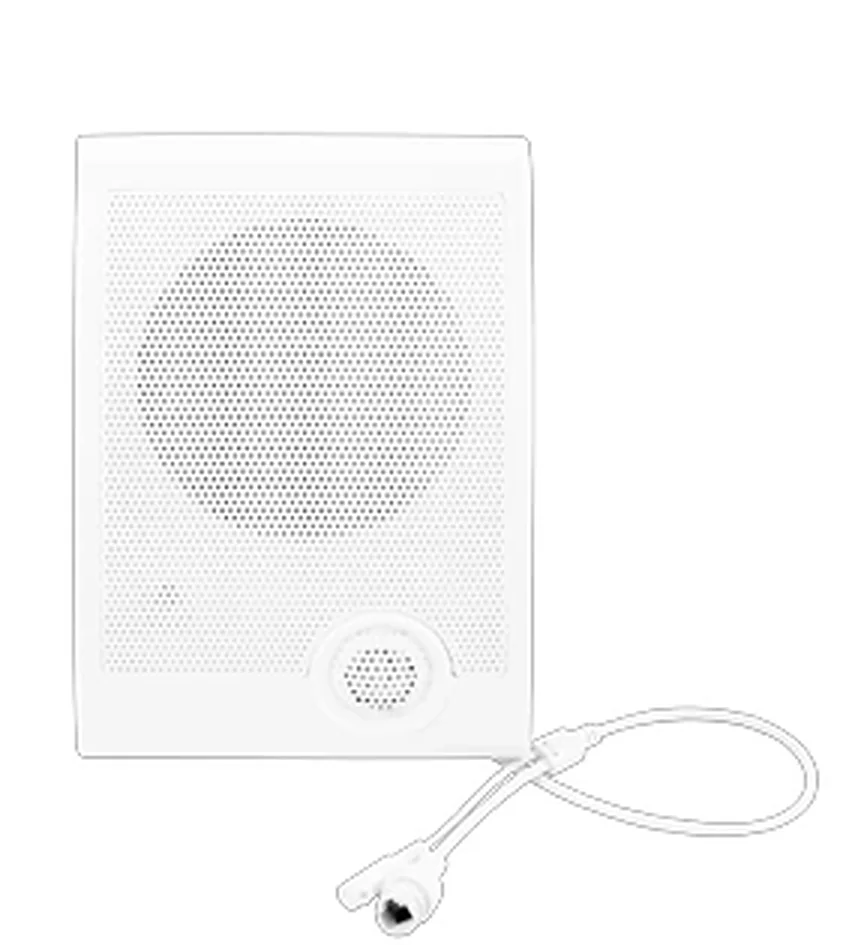
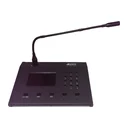 | BL-E3007-H | IP network remote paging station | Desktop paging microphone with zone and group selection. |
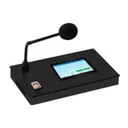 | IP-Q3 | IP paging console | Touchscreen paging console for zone calls and scheduled messages. |
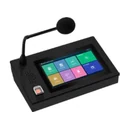 | IP-Q5 | IP paging console | Touchscreen paging console with zone groups and all-call. |
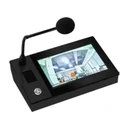 | IP-Q7 | IP network touchscreen paging microphone | Paging console with touchscreen zone selection. |
Representative models only. Key electrical, acoustic and certification values are confirmed in the model datasheet and the quotation.
Typical applications
Where this family is used
Schools & campuses
One bell, one paging system and one evacuation path across classrooms, corridors, playgrounds and canteens.
View application design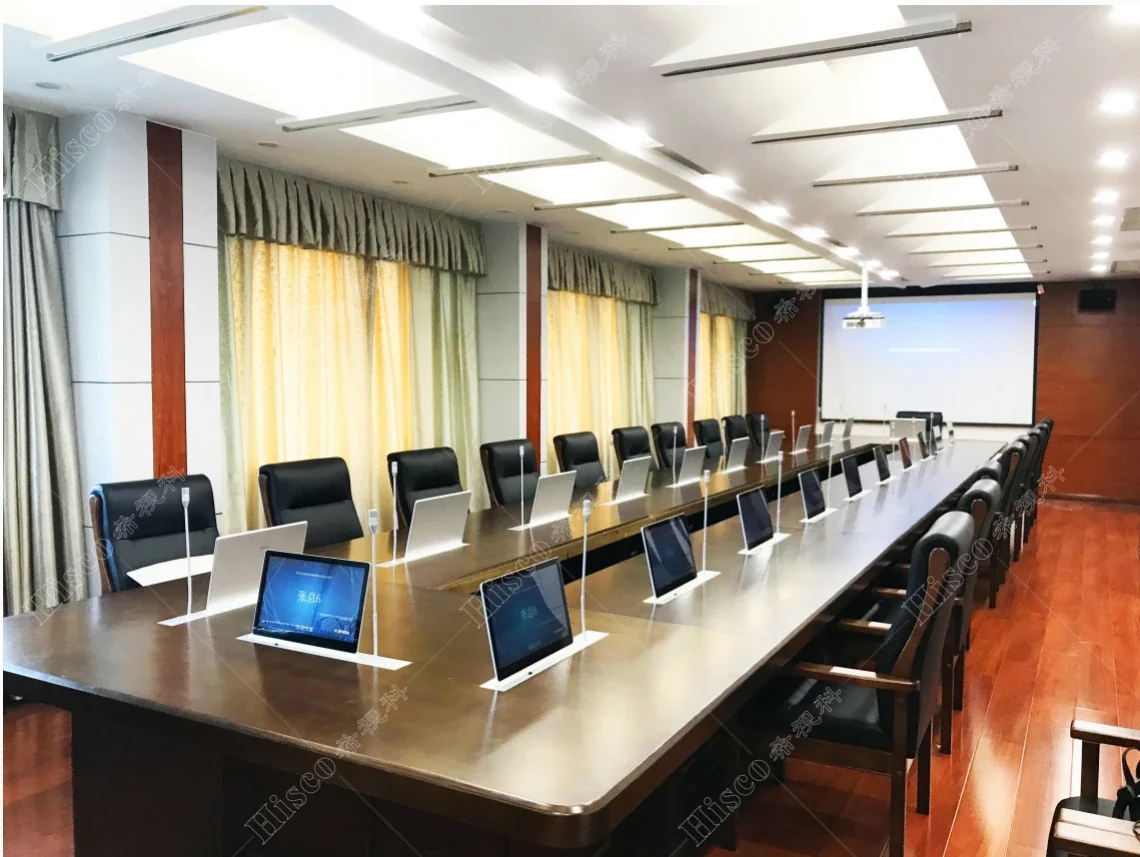
Hospitals & healthcare
Patient announcements, staff paging and evacuation in one system, with the privacy and zoning a hospital actually needs.
View application design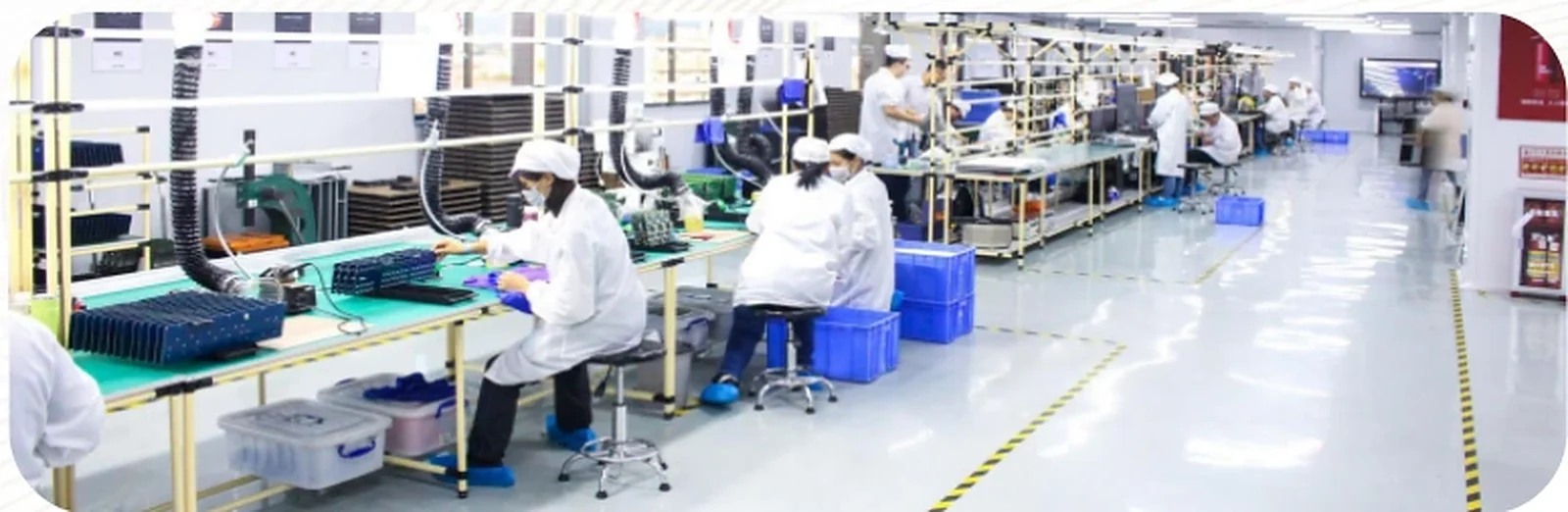
Factories & industrial sites
Announcements that cut through machinery noise, indoors and across the yard, without becoming a hazard.
View application design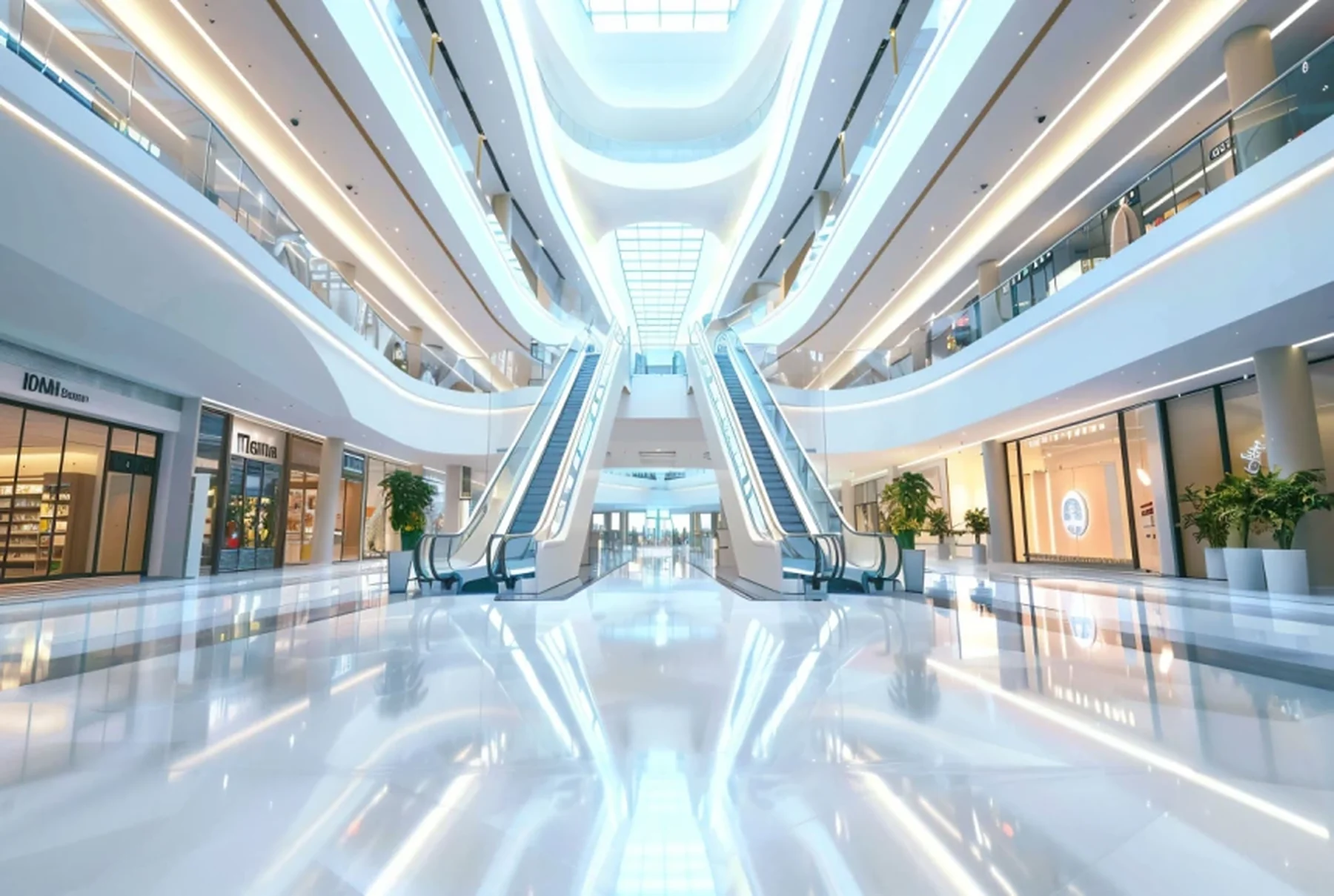
Airports, stations & transit
Long concourses, hard surfaces and constant background noise — announcements that stay intelligible at the farthest gate.
View application design
Offices & commercial buildings
Background music, floor paging and evacuation in a building that has to feel calm every day and work under pressure once.
View application design
Hotel public areas
Lobby, restaurants, corridors, spa and pool — one background-music system with the ballroom and the fire alarm on speaking terms.
View application designRelated
Build the rest of the chain
A working system is more than one family. These are the adjacent blocks that are usually specified together.
 PA line · core
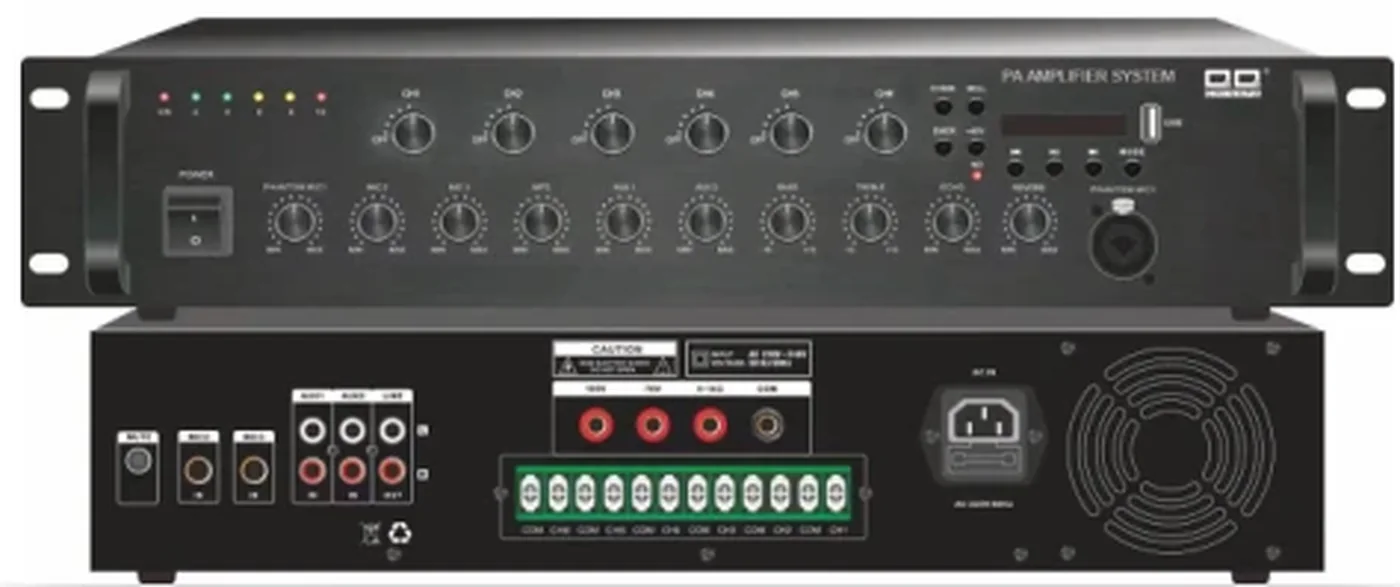
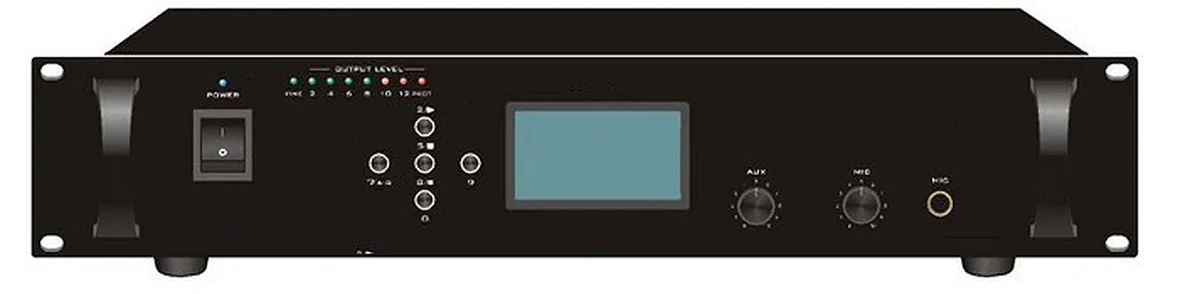
Broadcast control & amplifiers
Broadcast hosts, zone controllers, mixer amplifiers and IP amplifiers for background music, paging and emergency override — specified as one signal chain.
 PA line · networked
IP network audio
IP audio terminals, network amplifiers, paging consoles and cloud or local management for campuses, towers and distributed sites.
 PA line · life safety
Voice alarm & fire interface
Voice-alarm control, evacuation messages, fire-alarm interfaces and monitored loudspeaker circuits — specified to the standard the project actually has to meet.
 PA line · everyday
Background music systems
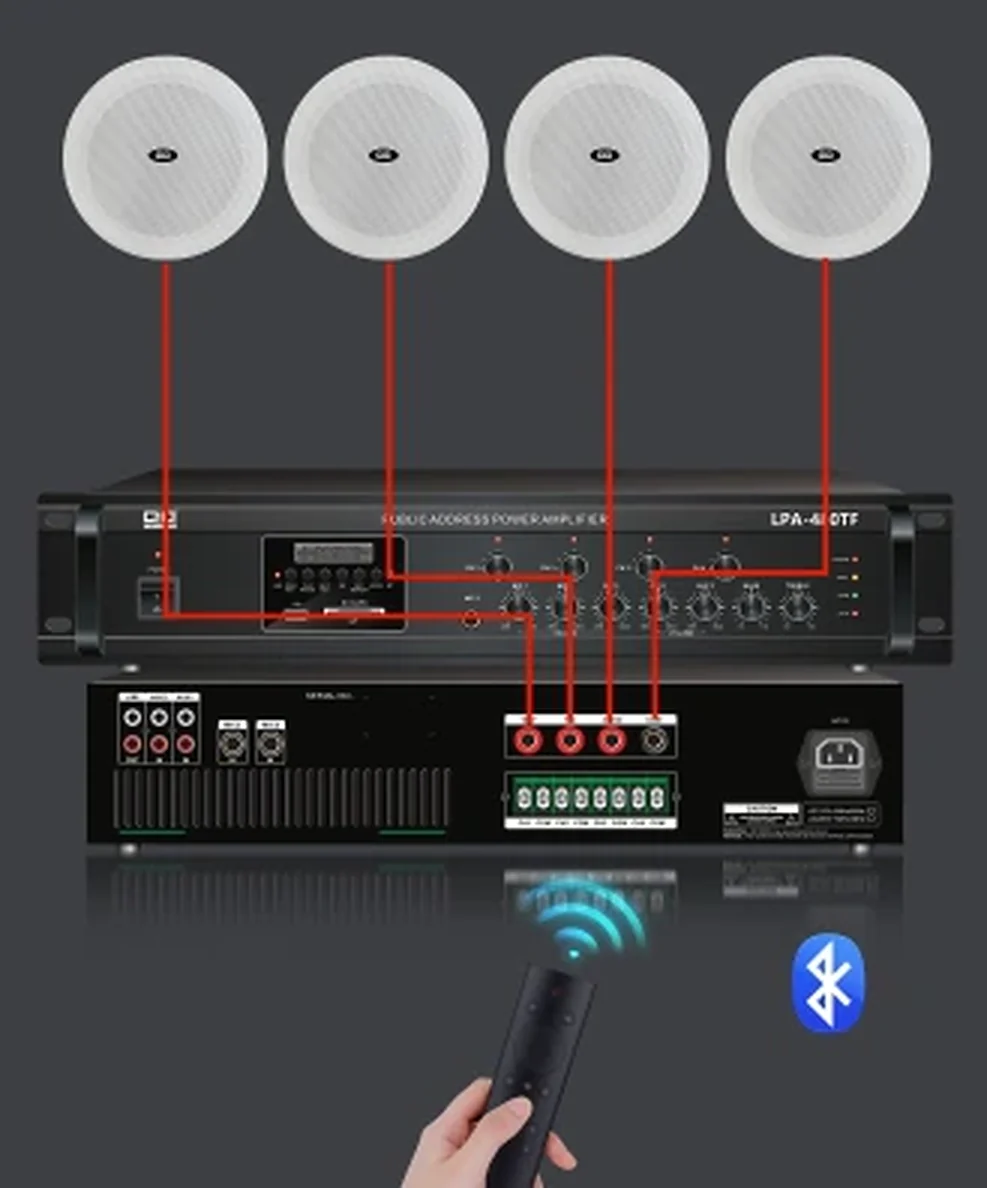
Music sources, players, zone volume control and loudspeaker selection for hotels, retail, restaurants, offices and public areas — with the paging and fire override designed in from the start.
Questions
Frequently asked questions
The questions that usually decide the scope: loudspeaker count, amplifier size, fire interface, certification and who installs the system. If your question is not here, send it with the building data.
Ask an application engineerHow many zones do I need?
Start with the fire compartments and the operating groups. A zone is not the same as a room: several rooms can share a zone if they are always called together, and one large room may need two zones if it can be divided. The zone schedule usually lands between 4 and 64 zones for a single building.
Can paging be restricted to certain people?
Yes. Consoles can be assigned to zones and time windows, and some systems support PIN or card access. The restriction is configured in the head end, not in the microphone. The operating procedure should be written down so that it survives staff changes.
Can I page from a phone?
Where the system supports SIP, a compatible handset can act as a paging console with a PIN and a zone code. It is convenient for security staff, but it should not replace a fixed console for routine announcements. The network and the codec have to be assessed.
What happens if the network fails?
The local amplifier and the local paging microphone should continue to work. The design should define which zones remain available, which messages still play and how the fire interface behaves. A network failure should not take the evacuation system with it.
Can we schedule bells and announcements?
Yes. Timed events, bell schedules and repeated messages can be stored in the head end. The schedule is part of the commissioning record, and the client should be able to edit it without a software licence.
Next step
Send the room, not the model
Tell us the building type, the zones, the ceiling height and the fire interface. We will check whether this family fits before we quote it, and show how it combines with the rest of the system in one proposal.
- Coverage and tap-load calculation
- Interface list for fire, paging and network
- Certificate scope confirmed per model
- ODM / OEM or private-label requirement
Project inquiry
Ask about Paging & zoning
Send the room or building data once. We return one combined proposal covering PA, conference, ballroom and AV, with the equipment schedule, interface list and the questions that still need an answer. ODM and OEM inquiries are welcome. Drawings are welcome but not required.