
Conference line · speech
Conference microphone system
Conference hosts, chairman and delegate units, gooseneck microphones, paperless terminals and discussion systems for boardrooms, councils and lecture halls.
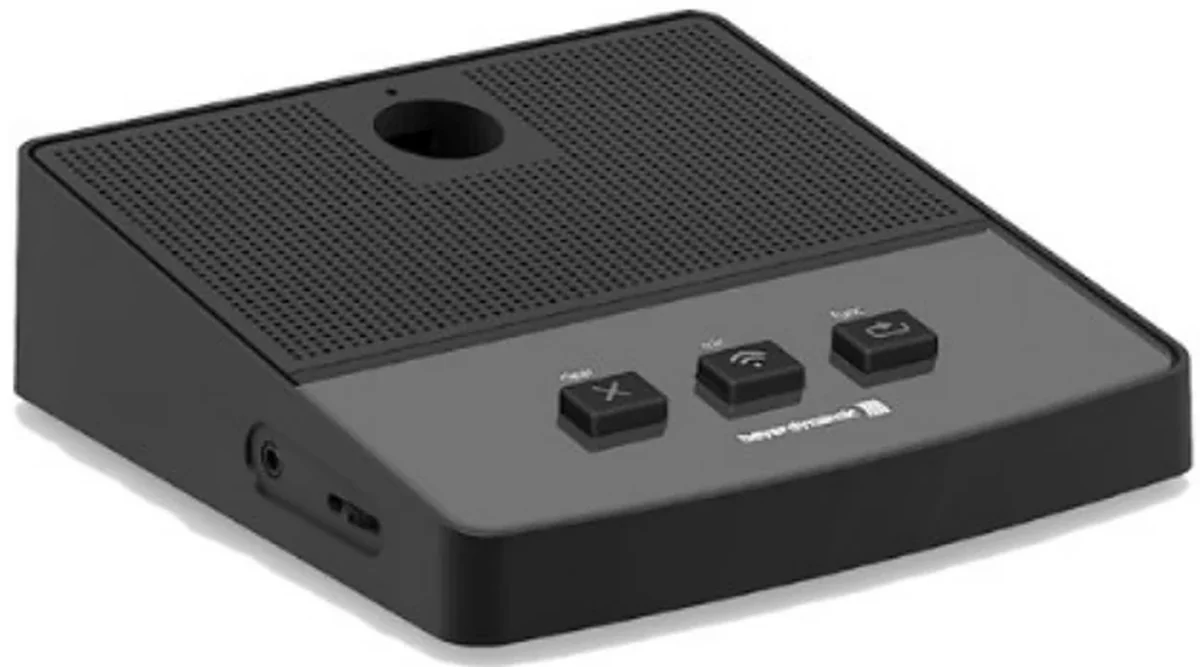
Representative image. Final finish and configuration are confirmed with the quotation.
Key values: 1 / 2 seats · Chairman · Paperless · Record
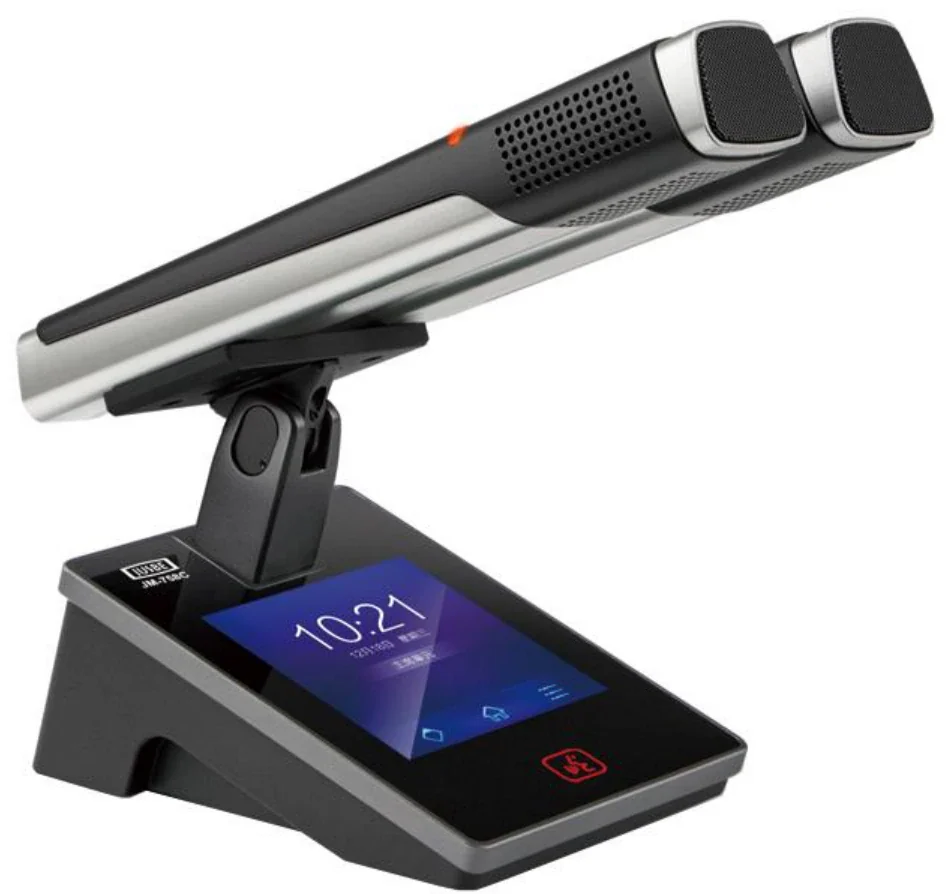
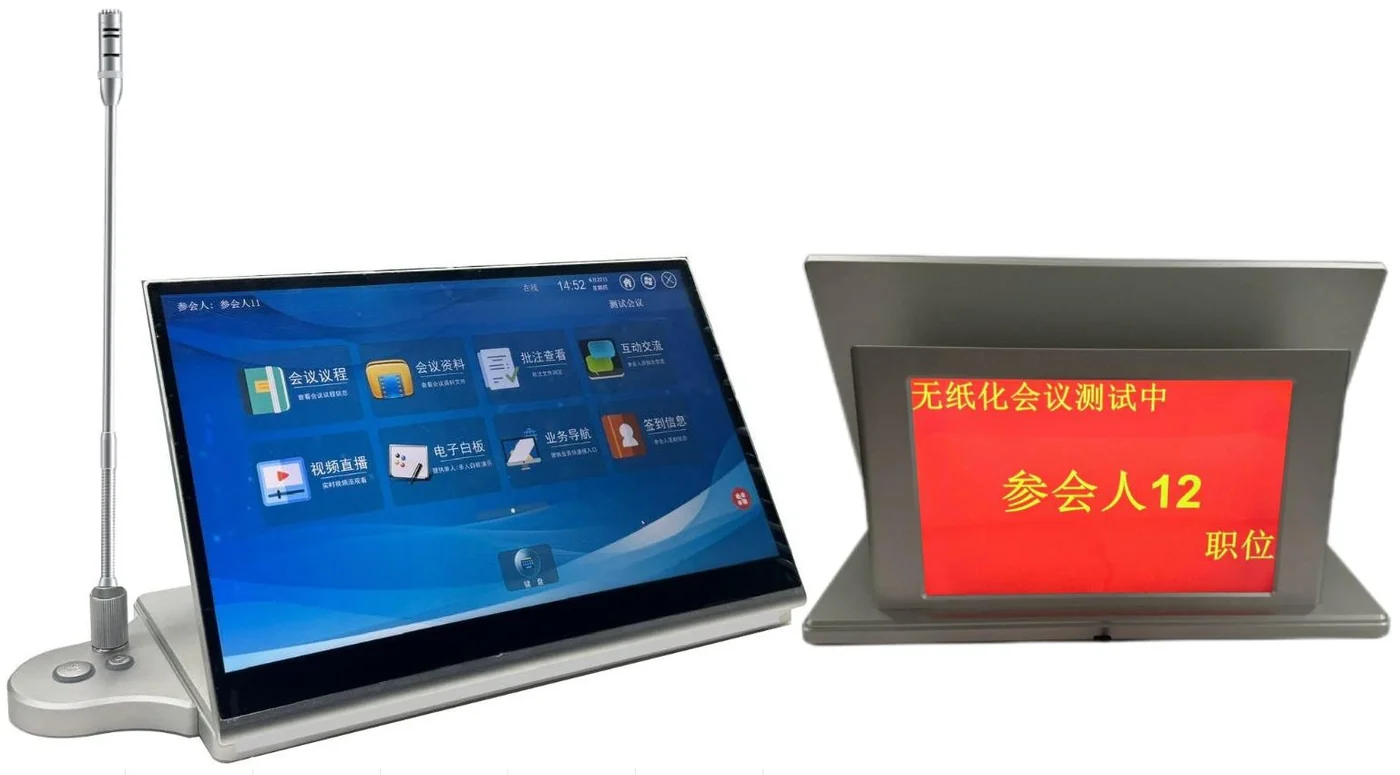
Reference hardware · final finish and tap setting confirmed with the quotation
Overview
Every seat heard, without the room fighting back.
A conference microphone system has one job: let the room hear the person who is speaking, without feedback, without a scramble for the microphone and without the chair having to manage the technology. The microphone, the loudspeaker, the room acoustics and the seating layout are one system.
For a small meeting room, a handful of gooseneck microphones on a discussion host is enough. For a council chamber, the system needs chairman priority, delegate registration, voting, interpretation channels and a record of who spoke. For a lecture hall, the priority is different again: one presenter, many listeners, and a need for the recording to be intelligible.
We design the microphone count from the seating plan and the speaking pattern, not from a rule of thumb. One microphone per two seats is a useful starting point for a discussion table; a lecture theatre may need one per row or a shared gooseneck. The loudspeaker layout is then designed to cover the same seats without putting energy back into the microphones.
Manufacturing & system package
Manufactured in our own factory. Available as a standalone family, or combined with PA, conference, AV and ballroom families into one complete system package and one combined proposal. ODM and OEM programmes available.
Chairman control
Priority, mute and registration are configured to the meeting procedure. The chair should not need a manual.
Feedback-aware layout
Loudspeaker position and microphone directivity are designed together. More gain before feedback is a layout result, not a processor trick.
Paperless where it helps
Paperless terminals add agenda, documents and voting. They are specified when the meeting workflow needs them, not as decoration.
Recording and streaming
Recorded meetings need a clean mix and a consistent level. The record output is designed separately from the room mix.
Reference specification
What are the reference specifications and selection rules?
The table is a design reference, not a model datasheet. The quoted model carries the final ratings.
| Item | Reference value or guidance |
|---|---|
| Discussion layout | 1 / 2 seats |
| Priority control | Chairman |
| Optional terminals | Paperless |
| Separate output | Record |
| System types | Analogue discussion, digital, paperless |
| Units | Chairman, delegate, interpreter, expansion |
| Microphone | Gooseneck, cardioid, detachable |
| Functions | Priority, registration, voting, interpretation |
| Recording | Analogue or digital record output |
| Seating | Designed from the seating plan |
| Small meeting room (up to 15 people) | A discussion host with 8–12 delegate units and one chairman unit. Ceiling or wall loudspeakers with a delay where the room is long. Keep the microphone bases away from the loudspeakers. |
| Boardroom (15–30 people) | One microphone per two seats, chairman priority and a separate record output. Consider concealed cable management and a table-box layout before the furniture is ordered. |
| Council chamber | Delegate units with registration and voting, chairman control, interpretation channels and a meeting record. The seating plan and the voting procedure drive the configuration. |
| Lecture theatre | Presenter microphone, lectern microphone and audience question microphones. The loudspeaker system covers the seats; the record feed is separate. Speech intelligibility is the primary target. |
| Paperless meeting | Paperless terminals add agenda, documents and signing. They need a stable network and a content workflow. Specify the workflow before the hardware. |
Model range
Representative models with photos
Only models with an available product photo are listed. The full range, model-level datasheets and certificate scope are supplied with the quotation. Brand names are not used on this site.
Request the full model list| Photo | Model | Type | Note |
|---|---|---|---|
 | MU23 | Desktop chairman unit | Chairman discussion unit with microphone and local loudspeaker. |
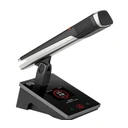 | JM-732D | Conference discussion unit | Gooseneck discussion unit for meeting and boardroom tables. |
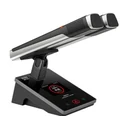 | JM-757D | Wired discussion unit | Wired discussion system unit for fixed meeting rooms. |
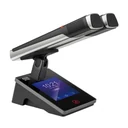 | JM-758C / JM-758D | Wired discussion unit | Discussion unit with display; functions configured per meeting procedure. |
Representative models only. Key electrical, acoustic and certification values are confirmed in the model datasheet and the quotation.
Typical applications
Where this family is used
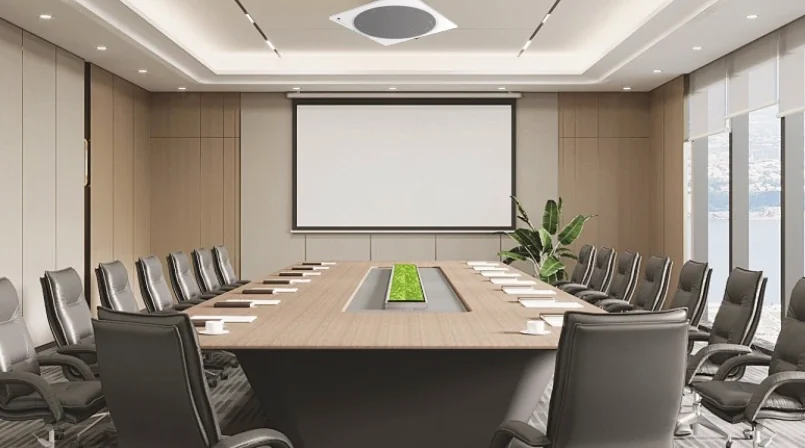
Meeting rooms
The everyday room: display, ceiling loudspeakers and a microphone that works on the first attempt.
View application design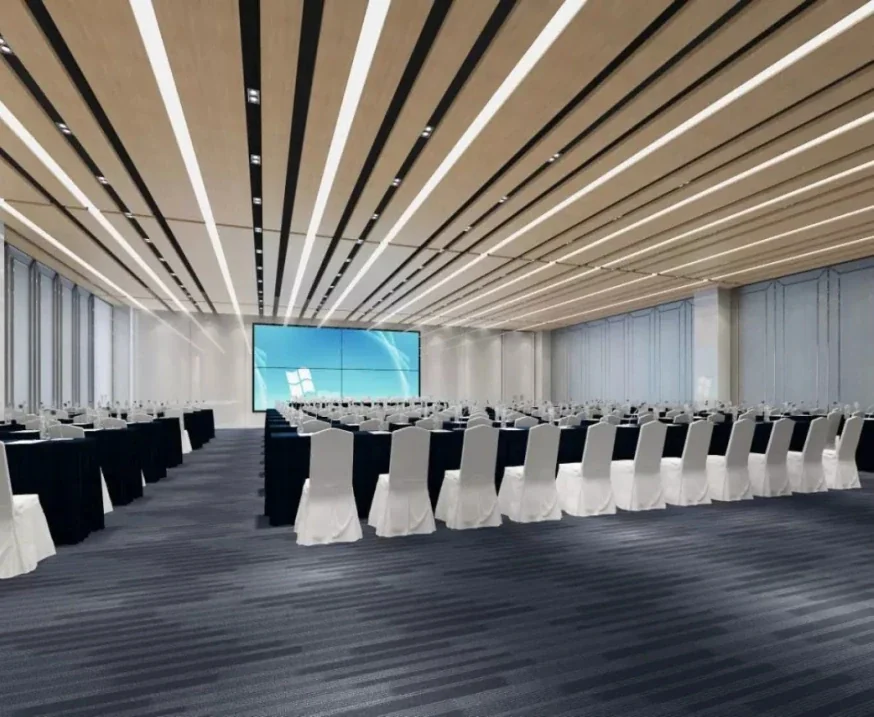
Boardrooms & executive rooms
High-fidelity speech, discreet technology and a room that protects the conversation.
View application design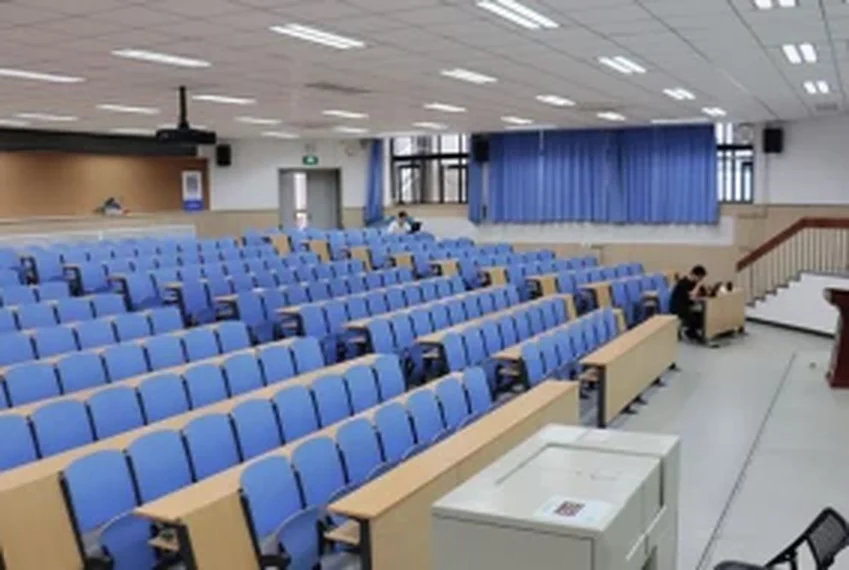
Lecture halls & auditoriums
One presenter, hundreds of listeners and a room where the back row must hear every word.
View application design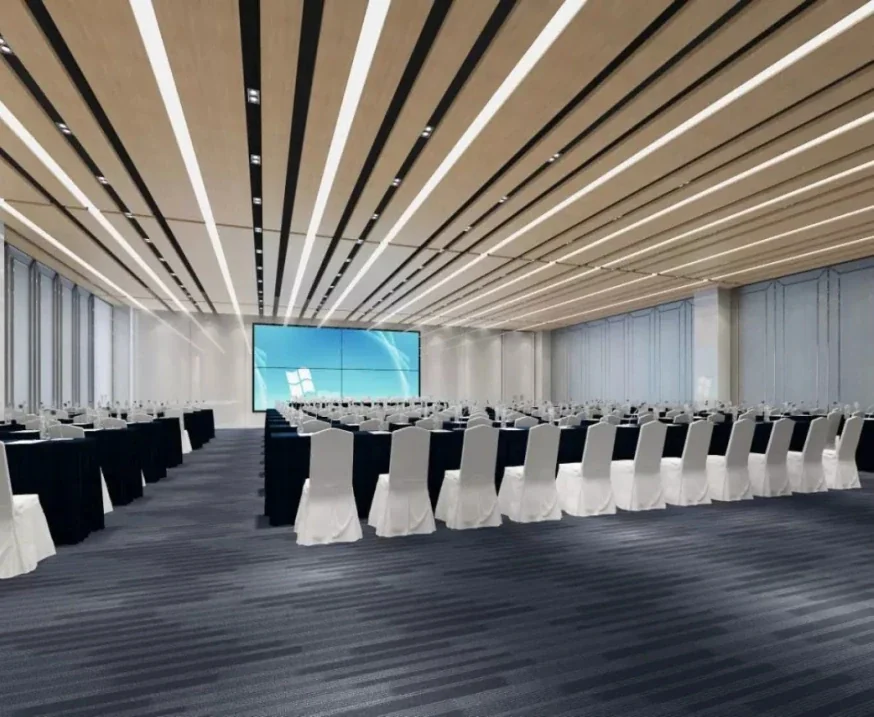
Government chambers
Discussion, voting, interpretation and a record that stands up to scrutiny.
View application design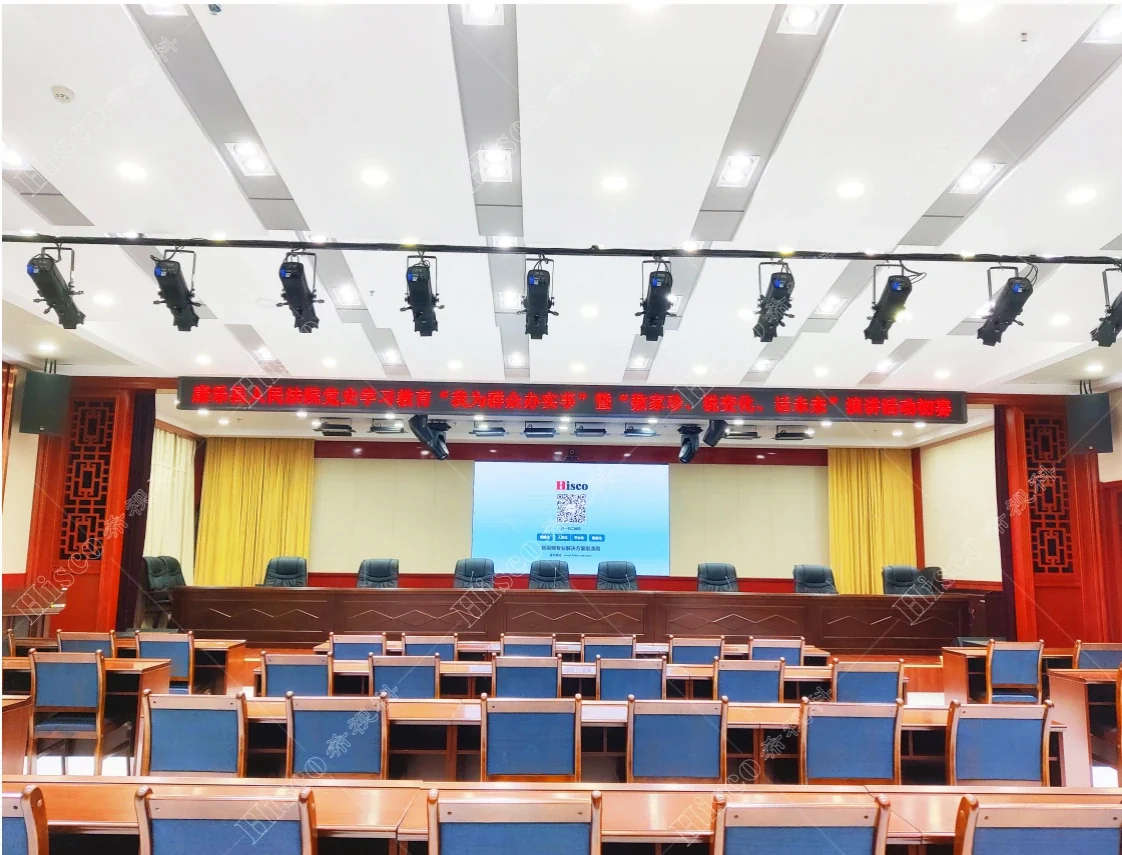
Courts & legal hearing rooms
Every word recorded, every speaker identified, every hearing intelligible.
View application design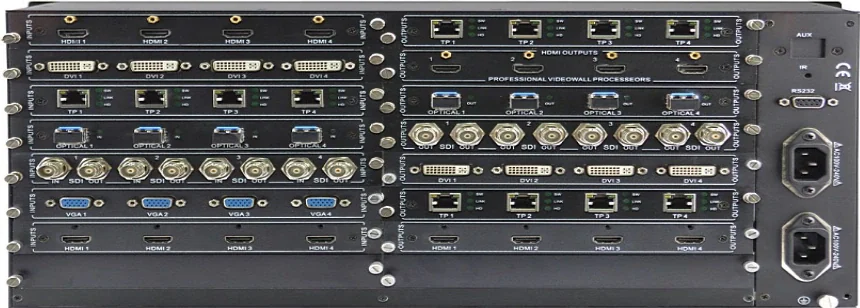
Command & control rooms
Audio that supports the operator: alerts, intercom, recording and a video wall that can be read at a glance.
View application designRelated
Build the rest of the chain
A working system is more than one family. These are the adjacent blocks that are usually specified together.
 Conference line · reinforcement
Conference room sound reinforcement
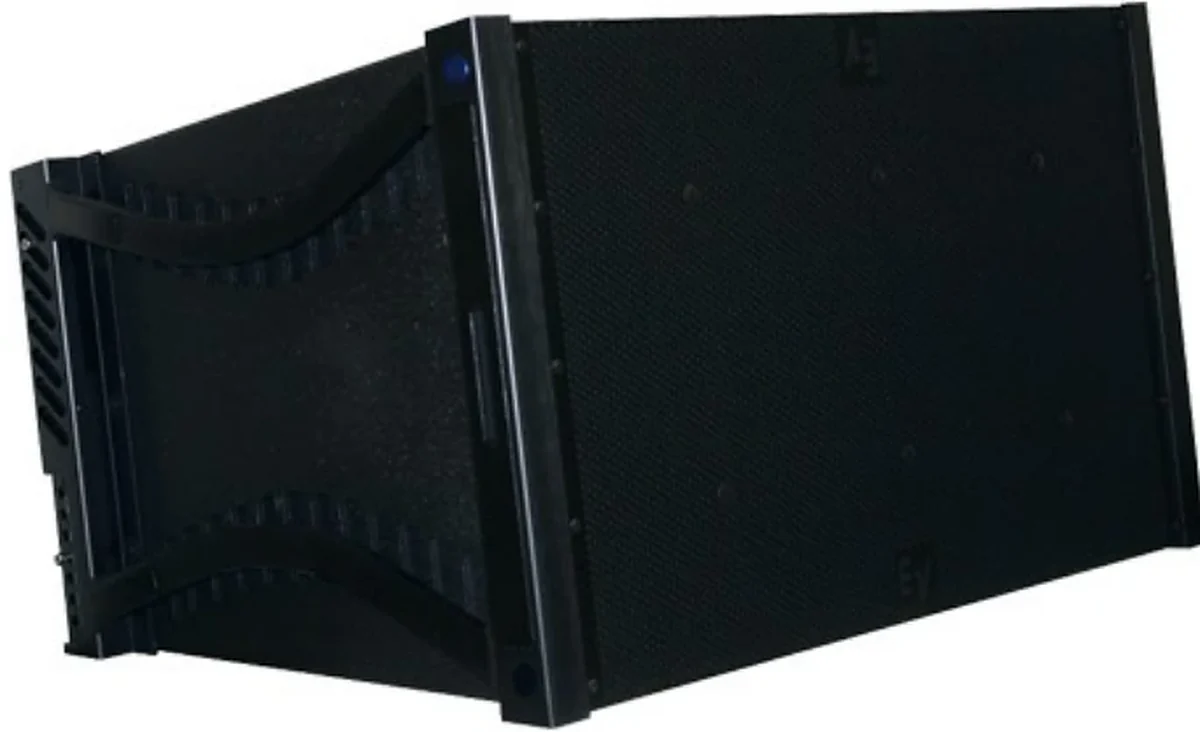
Ceiling, wall and line-array loudspeakers, amplifiers and audio processing for meeting rooms, boardrooms, lecture theatres and multi-purpose halls.
Conference line · controlAV control & matrix switching
Control processors, touch panels, wall plates and AV matrices that switch sources, route audio and video, and set the room to a known state.
Conference line · procedureVoting, delegate & interpretation
Delegate units, voting terminals, chairman control and simultaneous-interpretation channels for councils, parliaments, courts and international meeting rooms.
Conference line · visualConference display & projection
Projectors, projection screens, commercial displays, video walls and signal distribution for meeting rooms, boardrooms, lecture theatres and command centres.
Questions
Frequently asked questions
The questions that usually decide the scope: loudspeaker count, amplifier size, fire interface, certification and who installs the system. If your question is not here, send it with the building data.
Ask an application engineerHow many conference microphones do I need?
Start with the seating plan and the speaking pattern. One microphone per two seats is a common starting point for a discussion table. A boardroom may need one per two seats, a council chamber one per delegate, and a lecture theatre a presenter microphone plus question microphones. The final count is confirmed with the furniture layout.
What is the difference between a chairman and a delegate unit?
The chairman unit has priority controls: it can mute or override delegate microphones, start voting and manage the meeting. The delegate unit has the microphone, a request-to-speak button and sometimes voting. The mix depends on the meeting procedure.
Can the system record who spoke?
Yes, where the system supports registration and logging. The record can be linked to the agenda and the voting result. The client’s data-retention policy should be agreed before the feature is enabled.
Do paperless terminals replace microphones?
No. A paperless terminal adds documents, agenda and voting, but the room still needs microphones for speech. Some terminals include a microphone; the acoustic design still has to cover the room.
How do you prevent feedback?
By designing the loudspeaker and microphone positions together, using directional microphones, keeping the loudspeakers away from the microphone axis and setting the gain structure correctly. A feedback suppressor can help, but it is not a substitute for layout and acoustics.
Next step
Send the room, not the model
Tell us the building type, the zones, the ceiling height and the fire interface. We will check whether this family fits before we quote it, and show how it combines with the rest of the system in one proposal.
- Coverage and tap-load calculation
- Interface list for fire, paging and network
- Certificate scope confirmed per model
- ODM / OEM or private-label requirement
Project inquiry
Ask about Conference microphones
Send the room or building data once. We return one combined proposal covering PA, conference, ballroom and AV, with the equipment schedule, interface list and the questions that still need an answer. ODM and OEM inquiries are welcome. Drawings are welcome but not required.